Myo-Hand XP Update Notification |
|
|
|
|
Dear Alex,
We are excited to bring the first major update to Myo-Hand XP, Myo-Hand XP v2.0. Myo-Hand XP v2.0 introduces the latest mixed reality features in the Meta Quest 3 headsets, adds support for the new Ottobock MyoSmart sensor, and enables us to deliver key features such as bimanual tasks in our next update.
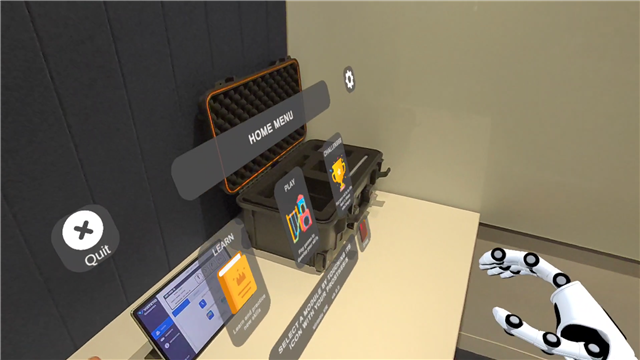
What does this mean in practice? Well, something that we noticed during the sessions we’ve observed to date is that there is a lot of communication happening between you and your clients. The Virtual Reality mode does not allow your client to see you when using Myo-Hand XP, which is not ideal. In Mixed Reality mode, your clients will still be able to see you and the room they are in when they are in the Home environment and in certain games.
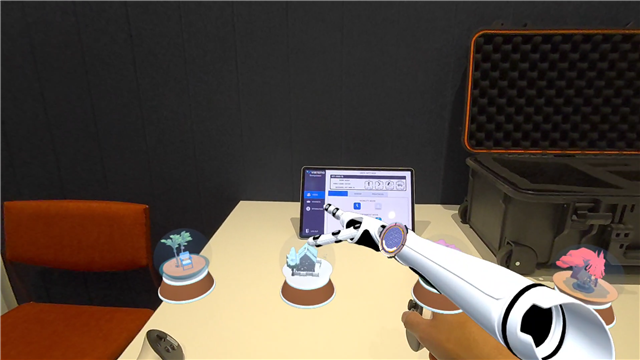
What does it mean for the existing games? Pick & Cook, Paintball Town, and Box & Blocks are still the same and they are played in VR mode automatically. The tutorial and toys are now enabled for Mixed Reality though, so give that a go! You can still use Myo-Hand XP as usual if you select the Virtual Reality mode.
When can I start using Mixed Reality? We are doing a staged release of Mixed Reality with select users to get feedback and refine the experience. If you are keen to be among the first to use it, let us know!
What’s next? We want prosthetic elbows, hooks, bimanual games, and more! It’s all coming! We already have working versions of all the above, which we will be getting ready for release now that we are done with v2.0.
How do I get started? We’ve updated all of our documentation for your reference and in the release details below, we’ve included links to training videos for each new feature. You can also organise personalised online training in this link or by replying to this email.
|
|
|---|
|
Ricardo Garcia-Rosas, PhD (He/Him)
Co-founder & CEO, Virtetic
Level 2, Melbourne Entrepreneurial Centre
Melbourne Connect, Victoria 3053 Australia
E: ricardo@virtetic.com.au | M: +(61) 403 462 078
|
|
|---|
|
|
|
|
Goodbye Simple mode, welcome Mixed Reality mode. We are excited about Mixed Reality as we believe it will allow for some exciting interactions and experiences in the clinic. It also allows you to interact more “physically” with your clients even when wearing the headset, which we believe will improve their experience. |
|
|---|
|
To be able to use Mixed Reality there is a headset set-up step we call “Room Scanning” that replaces the traditional Boundary. The Room Scanning is necessary for Mixed Reality, while the Boundary is optional. We still recommend enabling the Boundary as a physical safety layer. |
|
|---|
|
|
|
Some of our upcoming games will use Mixed Reality and the Home environment and Toys are now enabled for Mixed Reality, so we are looking forward to hearing your feedback on the Mixed Reality mode. We still believe that full Virtual Reality is a valuable mode for the games as the immersion and environments add positively to the user experience and fun, so that will stay for sure! |
|
|---|
|
|
|
|---|
|
|
We will be sharing training videos for the Room Setup and Mixed Reality as we roll it out to all of our users. |
|
|---|
|
|
Hand Tracking for Unilateral Users |
|
|---|
|
|
We’ve enabled hand tracking in Myo-Hand XP! This means you can use your hands to interact with certain objects and the UI. For users with unilateral amputations, this will enable them to play games or perform tasks that involve both hands, bimanual manipulation and hand transfers. |
|
|---|
|
|
|
|
|---|
|
|
The use of hands is restricted to certain objects, environments, and games; which means that users will still be required to use the virtual prosthesis for most tasks! We’ll make it clear in the games which use the virtual prosthesis and which allow the use of hands. |
|
|---|
|
|
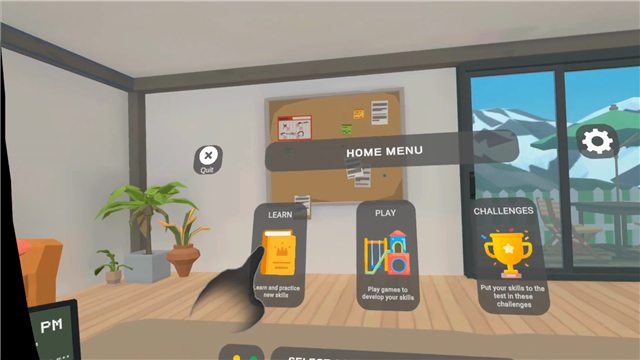
We’ll add a new game in the next update that uses this feature, but for the moment, you can interact with the menu using hands as well as the virtual prosthesis. In the future, this will enable a mirror therapy mode which we are creating the first activity for. |
|
|---|
|
|
|
|
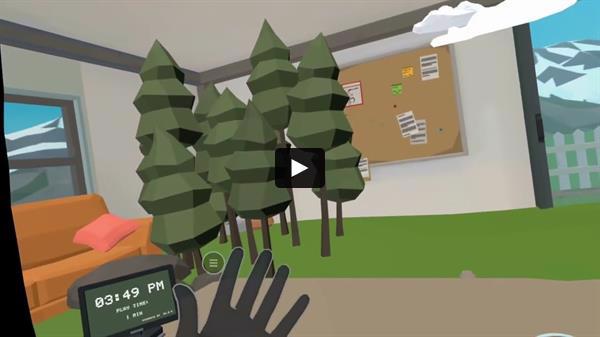
You can learn about Hand Tracking support in this video. |
|
|---|
|
|
|
|---|
|
|
Ottobock MyoSmart + Bebionic |
|
|---|
|
|
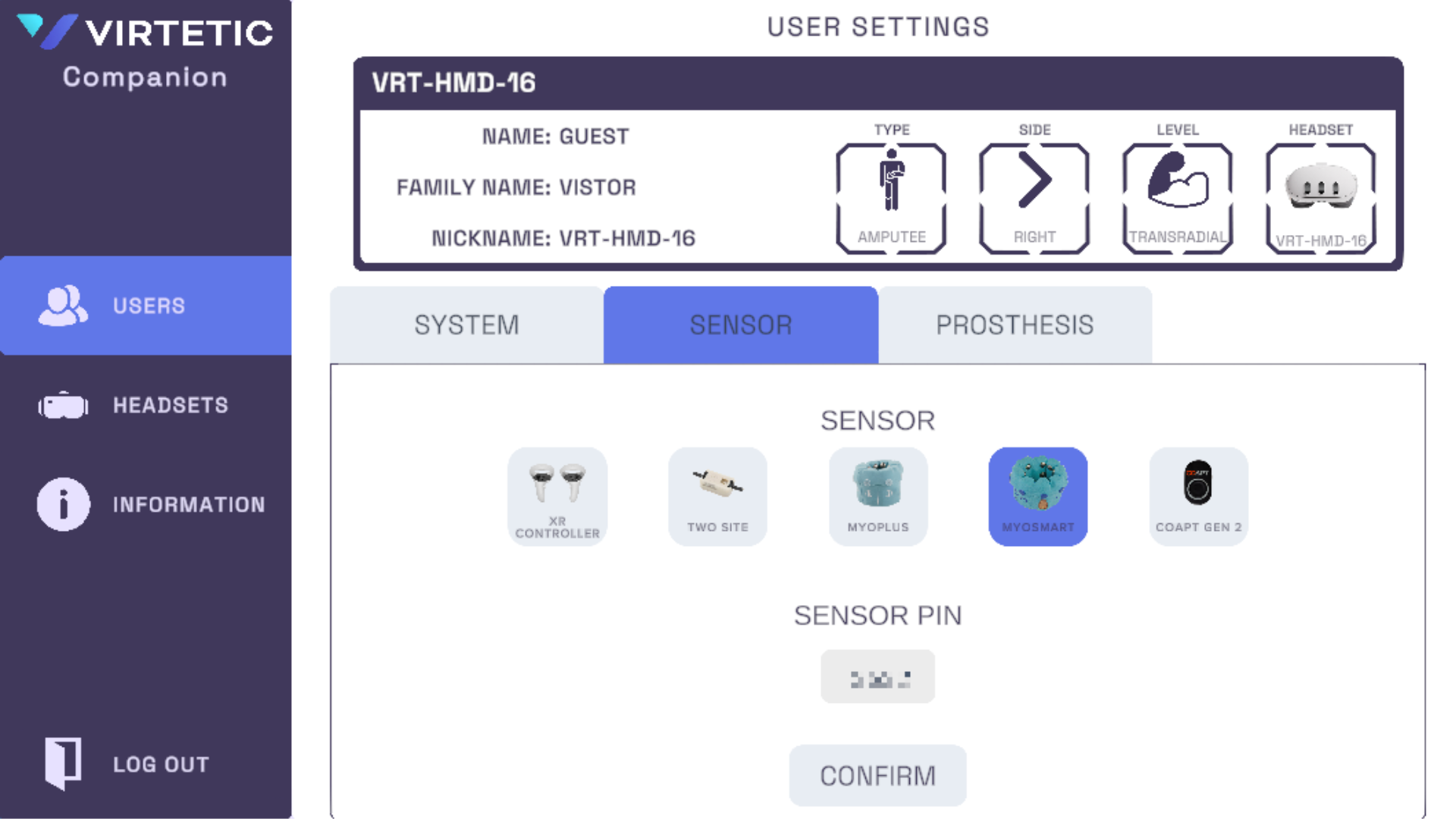
We’ve added support for the new Ottobock MyoSmart sensor. The integration uses direct Bluetooth connection, so it doesn’t need any additional hardware like the old MyoCuff. Please watch the training video below to learn to get started with MyoSmart in Myo-Hand XP. |
|
|---|
|
|
|
|
|---|
|
|
|
|
You can also select the Bebionic hand as one of the available options to use in Myo-Hand XP. |
|
|---|
|
|
|
|---|
|
|
Information Page & Software Licences |
|
|---|
|
|
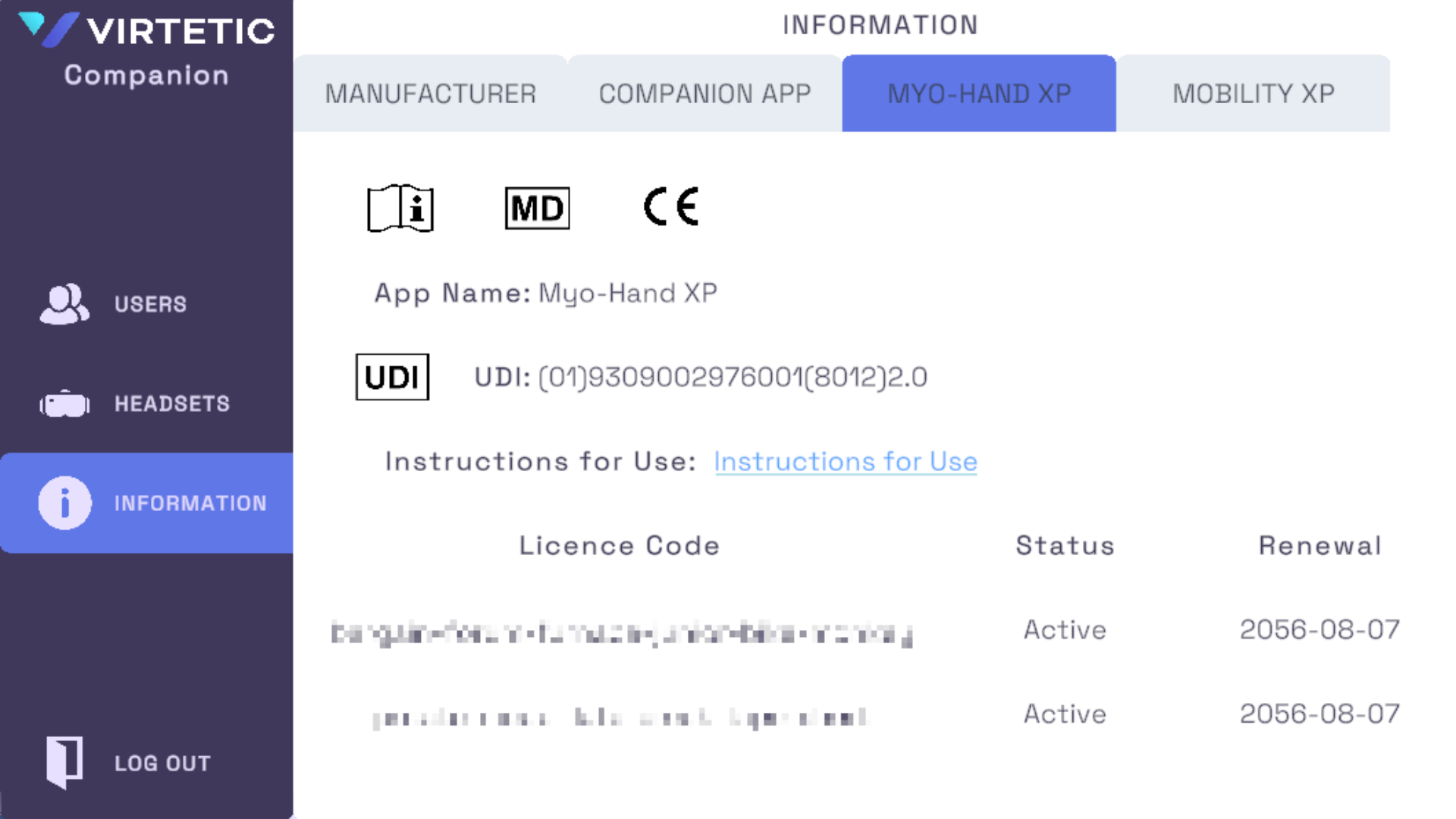
You can now see an information page in the Companion App that has the details for each product. In the Myo-Hand XP tab you will be able to see your existing licences, their status, and renewal date. |
|
|---|
|
|
|
|
|---|
|
|
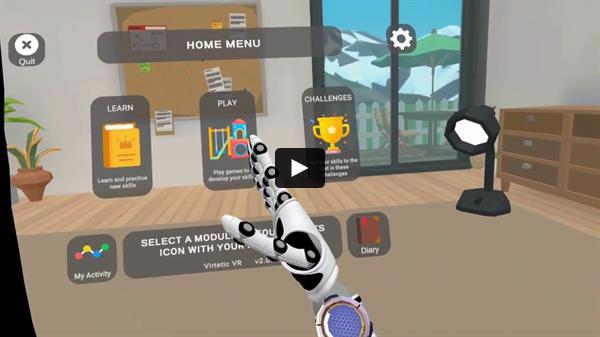
You can also find the product information page in the Home Menu in Myo-Hand XP, which can be accessed via the settings icon in the top right. |
|
|---|
|
|
|
We are continually seeking ways to improve Myo-Hand XP. Please share your thoughts on this update and any other features you'd like to see in the future.
Thank you for your continued support! |
|
|---|
|
Ricardo Garcia-Rosas, PhD (He/Him)
Co-founder & CEO, Virtetic
Level 2, Melbourne Entrepreneurial Centre
Melbourne Connect, Victoria 3053 Australia
E: ricardo@virtetic.com.au | M: +(61) 403 462 078
|
|
|---|
|
|
|