Myo-Hand XP Update Notification |
|
|
|
|
Dear Alex,
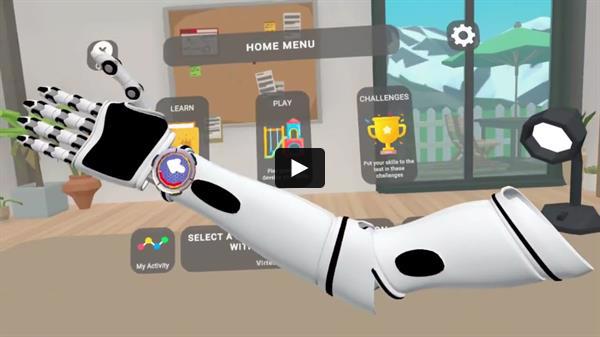
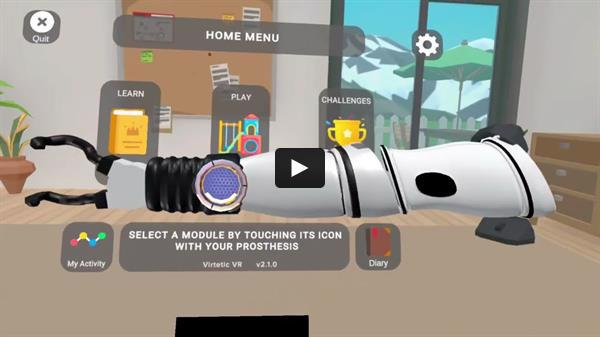
We are pleased to bring you one more update to Myo-Hand XP this year! Myo-Hand XP v2.1 brings some of your most wanted features: transhumeral mode and a realistic grasping simulation. We also squashed a bunch of different bugs that should make things run more smoothly. You can check out this video to see some of these features in action.
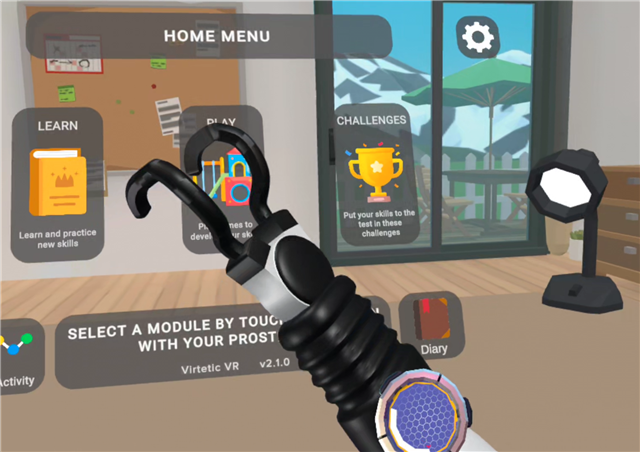
You can find all the details of this new update below, where you will also find training videos relevant to each update. The update will roll out to headsets and Companion App on Monday December 1st. Headsets should update automatically and you can verify the update by starting Myo-Hand XP and checking the version in the home menu (Virtetic VR v2.1.0). The Companion App may need to be manually updated (v1.4.0) from the Google Play Store on your device, which you can verify by opening the Play Store app and going to the “Manage apps and device” settings.
We are still working on publishing the Companion App in the Apple Store, we'll let you know as soon as it becomes available!
Please let us know if you need any support or have any questions. You can directly book a support session in this link.
|
|
|---|
|
Ricardo Garcia-Rosas, PhD (He/Him)
Co-founder & CEO, Virtetic
Level 2, Melbourne Entrepreneurial Centre
Melbourne Connect, Victoria 3053 Australia
E: ricardo@virtetic.com.au | M: +(61) 403 462 078
|
|
|---|
|
|
|
|
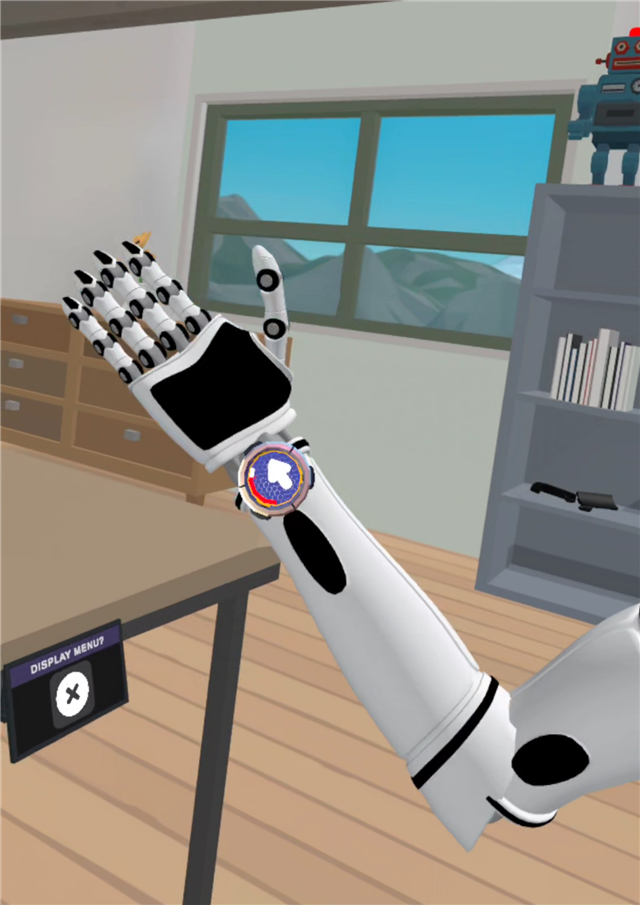
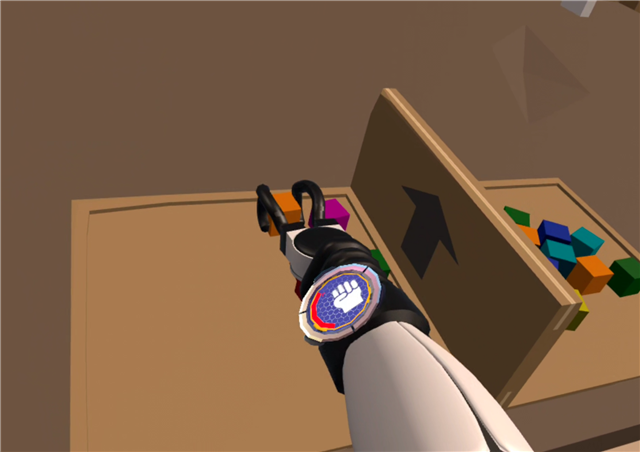
The long awaited transhumeral mode is here! You can now use a powered prosthetic elbow with your clients, with a virtual transhumeral prosthesis to match. Transhumeral mode is supported with the following sensors: Two Site in Co-Contraction mode, MyoSmart in DynamicArm configuration, and COAPT Gen 2 in Powered Elbow configuration. |
|
|---|
|
|
|
|
|---|
|
|
|
|
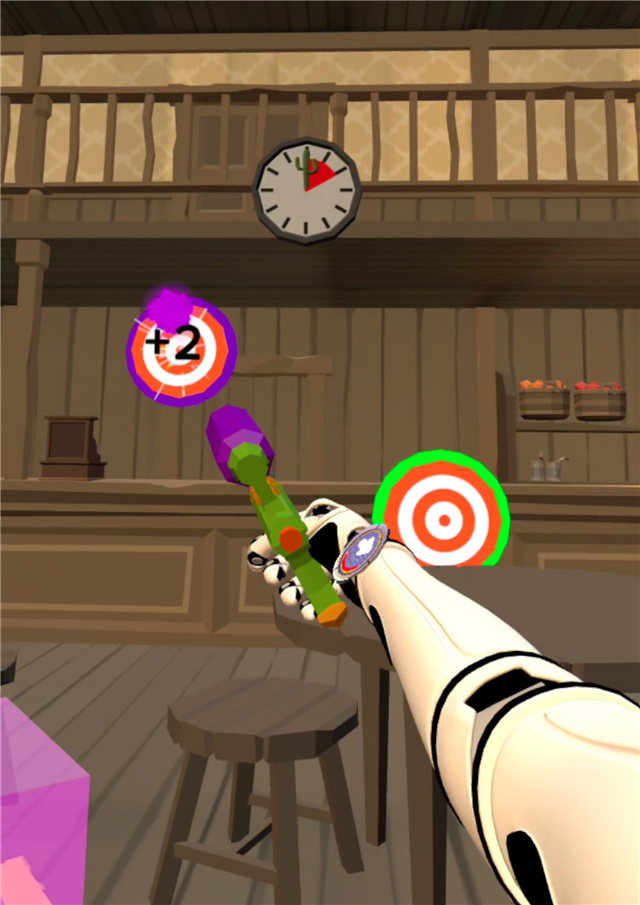
All of the activities and games work in transhumeral mode, with the only difference being in Paintball Town. Paintball Town level 3 in transhumeral mode makes use of hand, wrist, and elbow signals. This means that there will be up to 6 different coloured targets. Talk about a challenge! |
|
|---|
|
|
|
|---|
|
|
|
|
Realistic Grasping Simulation |
|
|---|
|
|
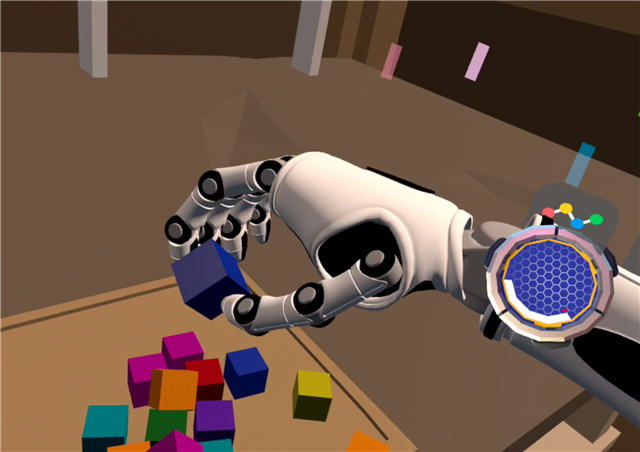
Another highly requested feature, aimed at making grasping in activities like Box and Blocks more realistic. This one took a bit of thinking and black magic, but we are super happy with the results. This feature uses an actual simulation of grasp contacts, making it so it is necessary to grasp objects with opposing fingers or parts of the hand. |
|
|---|
|
|
|
|
|---|
|
|
|
|
Realistic grasping is enabled in the following activities and games: Learn/Toy Cars and Challenges/Box and Blocks. So you can just launch these and give it a go. |
|
|---|
|
|
|
|---|
|
|
We are developing more activities that make use of this new grasping method, which will introduce other types of objects. For example, objects that can break or that can be squeezed. Keep an eye out for the next update! |
|
|---|
|
|
|
|
We’d love to hear your thoughts on this new grasping system so we can continue to improve it. |
|
|---|
|
|
|
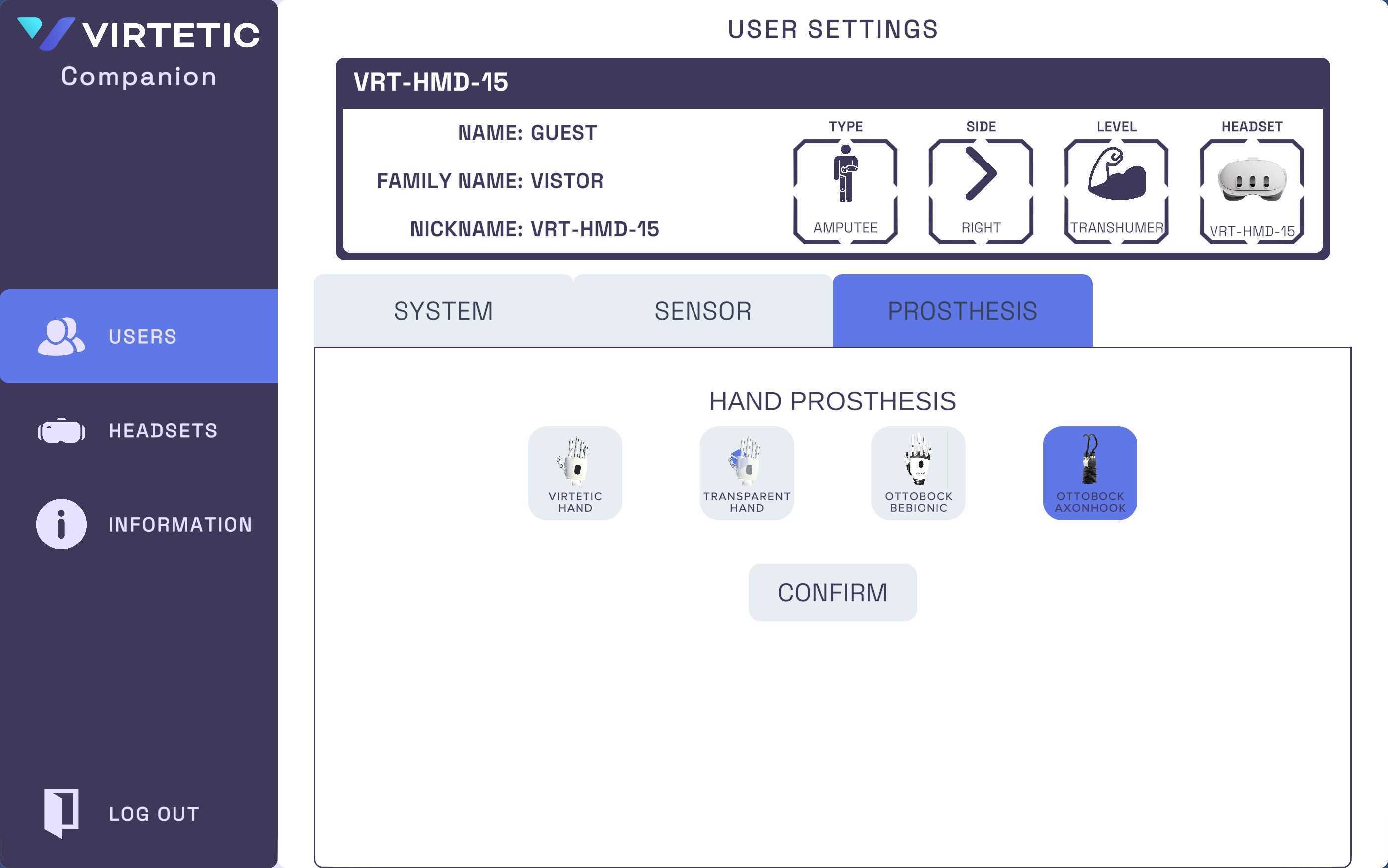
We added the first hook to Myo-Hand XP, the Ottobock AxonHook. The hook goes hand in hand quite well with the realistic grasping simulation. After testing with both hands and the hook, we were quite surprised with how big the difference is between using these two types of terminal devices. The hook is so easy to use. |
|
|---|
|
|
|
|
|---|
|
|
|
|
We are excited to continue to bring more options for our users to experience different types of prostheses, and to help you trial different options easily. So let us know what other hands or terminal devices you would like to see next! |
|
|---|
|
|
|
|---|
|
|
|
|
Here are the minor changes we made in Myo-Hand XP v2.1:
- We made the hold time in the Game Start button in the Home Menu shorter.
- We made the Display Menu button in the games a hold button to prevent accidental presses during gameplay.
- We made the terminal devices (hands and hooks) speed faster!
|
|
|---|
|
|
Here are the issues we solved in Myo-Hand XP v2.1:
- We fixed the video streaming being upside down or mirrored in some devices.
- We fixed a bug where the VR app would get stuck loading when switching to a newly created user.
- We patched a Unity vulnerability issue across all apps.
|
|
|---|
|
|
|
We are continually seeking ways to improve Myo-Hand XP. Please share your thoughts on this update and any other features you'd like to see in the future.
Thank you for your continued support! |
|
|---|
|
Ricardo Garcia-Rosas, PhD (He/Him)
Co-founder & CEO, Virtetic
Level 2, Melbourne Entrepreneurial Centre
Melbourne Connect, Victoria 3053 Australia
E: ricardo@virtetic.com.au | M: +(61) 403 462 078
|
|
|---|
|
|
|